CC on the Rocks.....


I mean Content Center Rocks!

Are you using the Content Center in Inventor? You should be. It contains a million industry standard components such as fastners and steel shapes. I often get asked the question " How do I modify the CC so that it matches my current engineering standards. Check out this quick video to get you started.


Create your own library (remember existing CC data is not editable) and copy existing CC data to edit. You can then customize the data to fit your needs. There are many different ways to approach this but this will get you started...
I remember back in the day having to model nuts and bolts to be used in my design.....thank you Autodesk.


John with the INCAT Cadgeeks

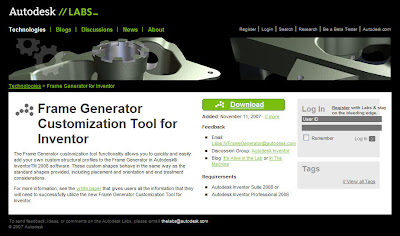
Wouldn’t it be great to use custom shapes with Frame Generator?

Well now you can with a simple download utility available at http://labs.autodesk.com/.
If you have not visited this site it’s a must. There are many great utilities available for your use. Today I will cover the steps it takes to add your custom content to your Frame Generator library. So if you’re in need to work with extruded shapes or just unique shapes watch and learn how simple it is when using the customization tool. I will start with the shape of choice, constrained in my sketch and extruded noting which parameters/dimensions may need to be altered when selecting our material size using Frame Generator. Then I will proceed with the use of the customization tool to capture and define my new shape.


Check out my video of how to do this.

http://screencast.com/t/U8PwPs1c


Enjoy,

Dave Another one of the INCAT CAD Geeks